~ Email: support@sysnucleus.com Phone: 91.484.4015479 / 91.94950.45285 Skype: sysnucleus ~
Product Tour
Loading Web Pages & Starting Configuration
Selecting Data to Scrape
Following a link
Capturing data from multiple pages
Saving Configuration
Editing Configuration
Scraping Data
Export captured data
Category Scraping
Keyword based Scraping
Scrape via Proxy Server
How to register ?
Loading Web Pages & Starting Configuration
Selecting Data to Scrape
Following a link
Capturing data from multiple pages
Saving Configuration
Editing Configuration
Scraping Data
Export captured data
Category Scraping
Keyword based Scraping
Scrape via Proxy Server
How to register ?
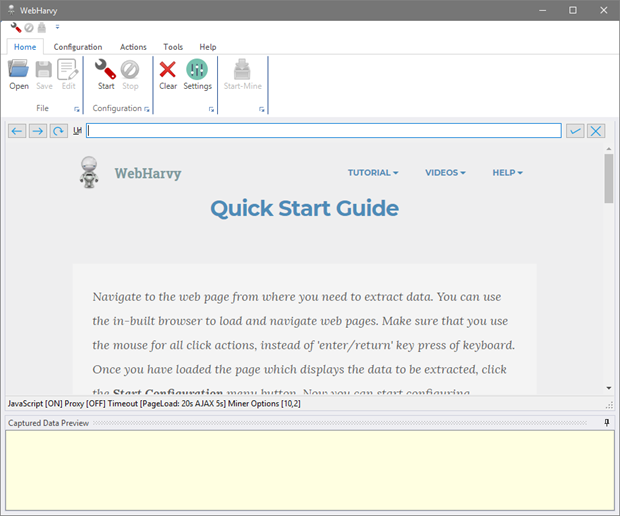
WebHarvy lets you scrape data from websites with ease. Use WebHarvy's in-built browser to navigate to any webpage. Please make sure that you use the mouse for all click actions, instead of using the keyboard.
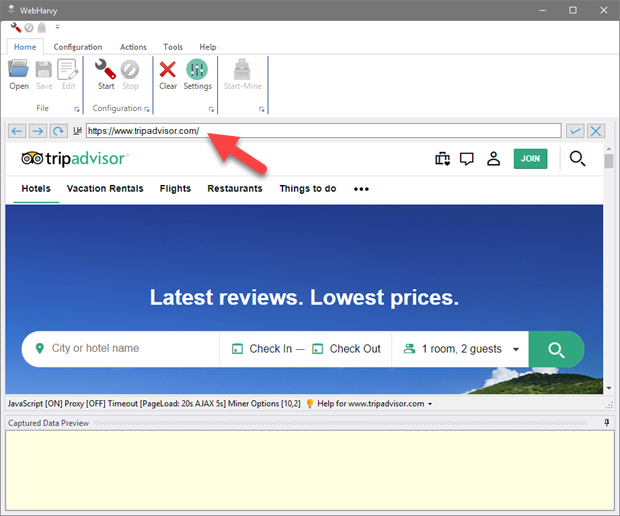
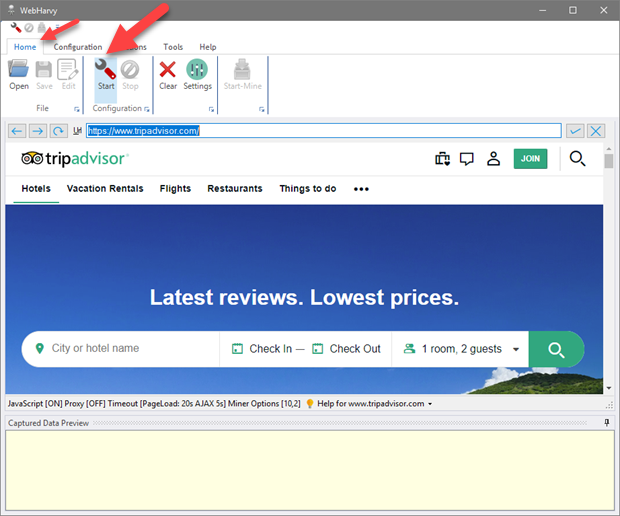
Once you have reached the page which contains the data to be scraped, click the 'Start Config' toolbar button.

Now you can start configuring the scraper by selecting the data items to capture.