In 2010, when we first launched WebHarvy, there were only a handful of web scraping software. In 2026, the situation has changed drastically. With the advancement of AI and machine learning, data has become pivotal for businesses, and web scraping has become a necessity. There are now numerous web scraping tools available, each with its own unique features. We have compiled this list to help you choose the right tool for your needs.
We have categorized the list in to 3 main categories: Subscription based (SAAS / Web Apps), One Time Payment Software (Perpetual License / Desktop Tools) and Developer Tools / APIs.
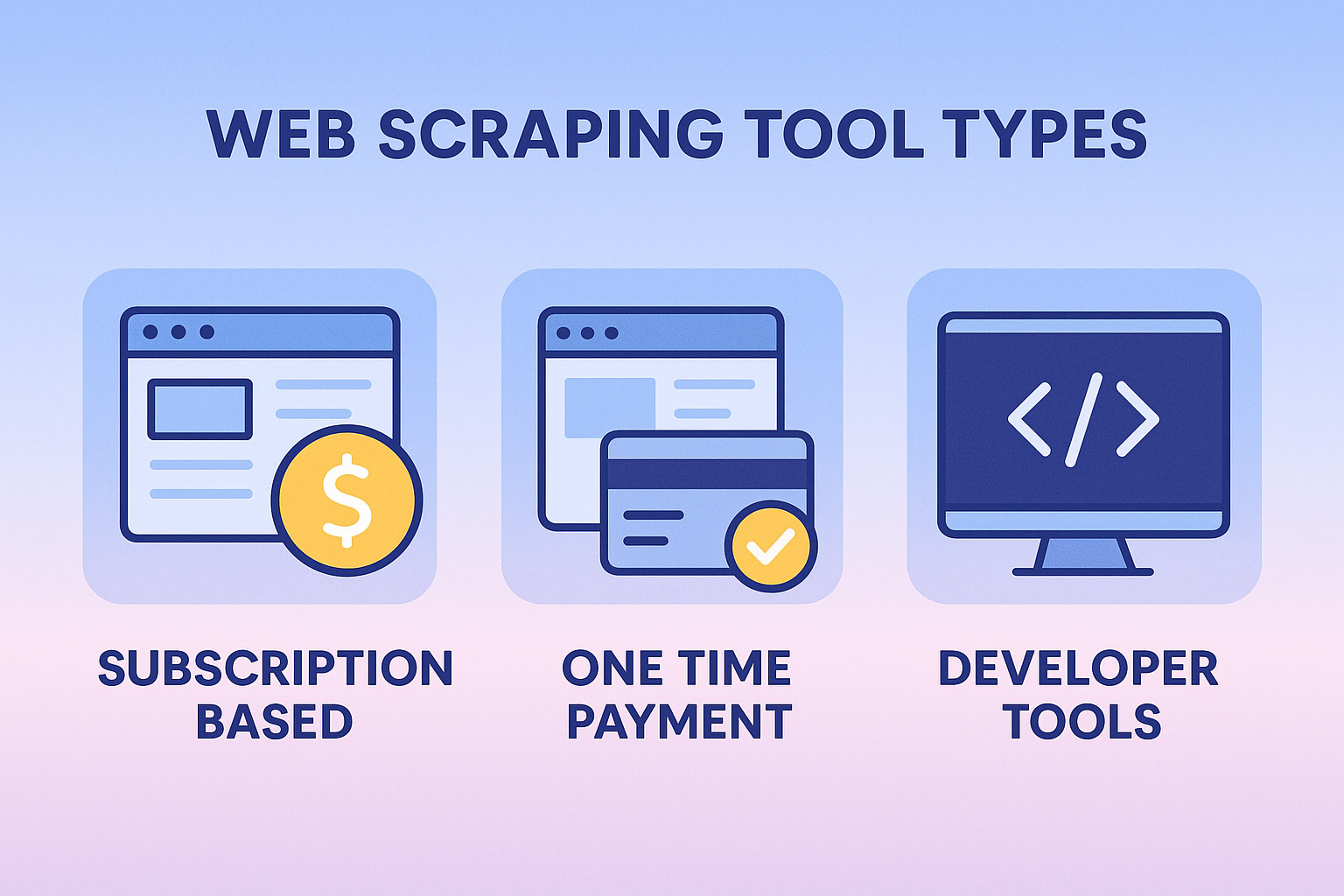
Which Type of Web Scraper Do You Need?
Use this decision framework to choose the right solution for your needs:
✓ Choose Subscription-Based (SaaS) if:
- ✓ You need cloud infrastructure for large-scale scraping
- ✓ Budget allows $200-2000/month recurring costs
- ✓ Require team collaboration features
✓ Choose One-Time Payment Tools if:
- ✓ You prefer owning software outright ($99-299 once)
- ✓ Need a visual, no-code interface
- ✓ Want to avoid monthly fees
✓ Choose Developer Tools/APIs if:
- ✓ You have programming experience
- ✓ Need custom integration with your applications
- ✓ Require programmatic control
Web Scraping Tools Comparison Matrix
Quick comparison of all 12 tools to help you make an informed decision:
| Tool Name | Category | Price | No-Code | JavaScript | Cloud-Based | API |
|---|---|---|---|---|---|---|
| SUBSCRIPTION-BASED (SaaS / Web Apps) | ||||||
| Octoparse | SaaS | High | ✓ | ✓ | ✓ | ✓ |
| Parsehub | SaaS | High | ✓ | ✓ | ✓ | ✓ |
| Import.io | SaaS | High | ✓ | ✓ | ✓ | ✓ |
| Mozenda | SaaS | High | ✓ | ✓ | ✓ | ✓ |
| ONE-TIME PAYMENT (Desktop Tools) | ||||||
| WebHarvy | Desktop | Low | ✓ | ✓ | △ | △ |
| Outwit Hub | Desktop | Low | ✓ | ✓ | ✗ | ✗ |
| WebSunDew | Desktop | Medium | ✓ | △ | ✗ | ✗ |
| DEVELOPER TOOLS & APIs | ||||||
| Beautiful Soup | Library | Free | ✗ | ✗ | ✗ | ✗ |
| Apify | API | Medium | △ | ✓ | ✓ | ✓ |
| ScraperAPI | API | Medium | △ | ✓ | ✓ | ✓ |
| ScrapingBee | API | High | △ | ✓ | ✓ | ✓ |
| Scrapy | Framework | Free | ✗ | ✓ | ✗ | △ |
Legend: ✓ = Yes/Excellent | ✗ = No | △ = Limited/Partial | High Price = $200+/month or $249+ one-time | Medium Price = $49-199/month | Low Price/Free = $0-48/month or under $99 one-time
Subscription based (SAAS / Web Apps)
Web scraping software which run from the cloud are mostly subscription based, which require a monthly recurring fee. They are normally accessed through a web browser or browser extension. They can be accessed from any location and usually does not require installation of additional software on your computer. Cloud based web scraping solutions are mostly suited for enterprise level data extraction requirements, where large volumes of data need to be extracted.
✓ Advantages: Scalability, local infrastructure not required, accessible from anywhere, enterprise level features
✗ Disadvantages: Monthly recurring costs (expensive), data is stored in the cloud (security/privacy concerns)
- Description: Cloud-based visual web scraper with point-and-click interface
- Best for: Enterprises needing scalable cloud infrastructure and team collaboration
- Pricing: $69-$249/month ($1,068-$2,988/year recurring)
- Key advantage: Cloud-based scheduling, API access, handles JavaScript-heavy sites
- Limitation: Expensive over time, data stored in cloud (privacy concerns)
- Good fit if: You have budget for ongoing costs and need distributed scraping
- Website: https://www.octoparse.com
- Description: Visual web scraping tool with machine learning features
- Best for: Scraping complex, JavaScript-heavy websites like social media
- Pricing: Free plan available, paid plans $189-$599/month
- Key advantage: Handles dynamic content and infinite scrolling automatically
- Limitation: Learning curve for advanced features, recurring subscription costs
- Good fit if: You need to scrape AJAX/JavaScript sites regularly
- Website: https://www.parsehub.com/
- Description: Enterprise-focused web data extraction platform
- Best for: Large companies needing structured data at scale
- Pricing: Custom enterprise pricing (typically $500+/month)
- Key advantage: Managed service with data cleaning and API delivery
- Limitation: Overkill for small projects, expensive, requires sales consultation
- Good fit if: You're an enterprise with complex data needs and large budget
- Website: https://www.import.io
- Description: Enterprise web scraping service with professional support
- Best for: Companies outsourcing data collection projects
- Pricing: $500+/month (custom pricing based on usage)
- Key advantage: White-glove service, dedicated support, data-as-a-service model
- Limitation: High cost, less control over scraping process
- Good fit if: You prefer managed service over DIY tools
- Website: https://www.mozenda.com/
One Time Payment (Perpetual License / Desktop Tools)
The following web scraping software can be installed locally on your computer. Web scraping operation is done locally using your systems memory/processing resources and internet bandwidth. They offer a perpetual license (pay once and use forever) and are mostly suited for consumers, individuals and small/medium sized businesses.
✓ Advantages: No recurring costs, data is stored locally, cheaper compared to cloud-based solutions
✗ Disadvantages: Requires installation, limited to the resources of your computer
- Description: Desktop visual scraper with point-and-click interface
- Best for: Non-programmers who need regular scraping without recurring fees
- Pricing: $99 one-time license (vs. $200+/month alternatives = save $2,300/year)
- Key advantage: No recurring fees, runs locally (your data stays private), lifetime updates
- Limitation: Windows/Mac only, not cloud-based, better for small-medium scale
- Good fit if: You want to own your tool, value privacy, and hate subscriptions
- ROI Example: WebHarvy pays for itself in 2 weeks vs. Octoparse's cheapest plan
- Website: https://www.webharvy.com
- Description: Firefox-based web scraping extension and standalone application
- Best for: Firefox users wanting integrated browser scraping
- Pricing: $49.95 one-time (Light version) to $1,295 (Pro)
- Key advantage: Deep Firefox integration, automatic data recognition
- Limitation: Firefox dependency, less intuitive interface than competitors
- Good fit if: You're a Firefox power user comfortable with browser extensions
- Website: https://www.outwit.com
- Description: Windows desktop scraper with advanced automation features
- Best for: Power users needing complex scraping workflows
- Pricing: $99 one-time license
- Key advantage: Advanced scheduling, database integration, regex support
- Limitation: Steeper learning curve, Windows only, dated interface
- Good fit if: You need enterprise features without enterprise pricing
- Website: https://websundew.io
Developers Tools & APIs
If you are a developer, you can build your own data scraping solution. There are several libraries, tools and APIs which you can use to make development easier. The following are a few of them.
✓ Advantages: Free or affordable (many open-source), full customization and control, integrate with existing applications, scalable to enterprise requirements, no vendor lock-in
✗ Disadvantages: Requires programming knowledge, higher initial development time, need to maintain and debug code, may require DevOps/infrastructure knowledge, learning curve for frameworks
- Description: Python library for parsing HTML and XML documents
- Best for: Python developers who want full control over scraping logic
- Pricing: Free and open-source
- Key advantage: Lightweight, excellent documentation, huge community support
- Limitation: Requires Python programming, doesn't handle JavaScript rendering
- Good fit if: You're a Python developer building custom scraping solutions
- Use Case: Most popular choice for data scientists and analysts
- Website: https://www.crummy.com/software/BeautifulSoup/
- Description: Serverless web scraping and automation platform
- Best for: Developers building scalable scraping applications
- Pricing: $29-$999/month based on usage (pay-as-you-go model)
- Key advantage: Pre-built actors (scrapers), handles proxies/CAPTCHAs, scales automatically
- Limitation: Requires JavaScript knowledge, costs scale with usage
- Good fit if: You need cloud infrastructure but want programmatic control
- Website: https://apify.com/
- Description: API service that handles proxies, browsers, and CAPTCHAs
- Best for: Developers who want scraping infrastructure without managing it
- Pricing: $49-$475/month based on API calls
- Key advantage: Handles IP rotation, CAPTCHA solving, headless browsers automatically
- Limitation: Pay-per-request model can get expensive, requires coding
- Good fit if: You want to focus on data extraction, not infrastructure management
- Website: https://www.scraperapi.com/
- Description: Headless browser API for scraping JavaScript-heavy websites
- Best for: Developers scraping React/Angular/Vue applications
- Pricing: $49-$599/month based on API credits
- Key advantage: Real browser rendering, JavaScript execution, screenshot capability
- Limitation: More expensive than simple HTTP APIs, credit-based pricing
- Good fit if: You need browser automation but don't want to manage Selenium/Puppeteer
- Website: https://www.scrapingbee.com/
- Description: Open-source Python framework for large-scale web scraping
- Best for: Experienced developers building production scraping systems
- Pricing: Free and open-source
- Key advantage: Extremely fast, highly customizable, built-in async support, scalable
- Limitation: Steep learning curve, requires significant Python expertise
- Good fit if: You're building a serious web scraping operation with custom requirements
- Industry Standard: Used by companies scraping millions of pages daily
- Website: https://scrapy.org/
Website: https://scrapy.org/ Price: Free
Conclusion: Choosing Your Ideal Web Scraping Solution
The web scraping landscape in 2026 offers solutions for every budget, skill level, and use case. Whether you're a non-technical business user needing quick data extraction, a developer building custom solutions, or an enterprise requiring industrial-scale operations, there's a tool that fits your needs. The key is matching your requirements with the right category: choose SaaS platforms for cloud scalability and team collaboration, desktop tools for affordability and data privacy, or developer APIs for maximum customization and control. Start with the decision framework above, evaluate the 14 tools in this guide based on your specific requirements, and remember that the cheapest option isn't always the best—focus on total cost of ownership, time to implementation, and long-term maintenance costs. With the right web scraping tool, you'll unlock valuable data insights that drive better business decisions.