
Ulta Beauty (ulta.com) is one of the largest beauty products retailer websites in the United States. In this article you will learn how WebHarvy can be used to scrape product reviews from Ulta.com website. Details like review title, review content, star rating etc. can be scraped.
Step-by-step Guide
- First, download and install WebHarvy on your computer. WebHarvy runs 100% locally from your computer. So, in case you decide to upgrade to the full version of WebHarvy, there is only a one-time fee and no recurring monthly payment (unlike SaaS web scraping solutions).
- When you open WebHarvy, you will see a browser-like user interface, in which you can load and navigate websites. WebHarvy internally uses Chromium (Google Chrome source) as its browser.
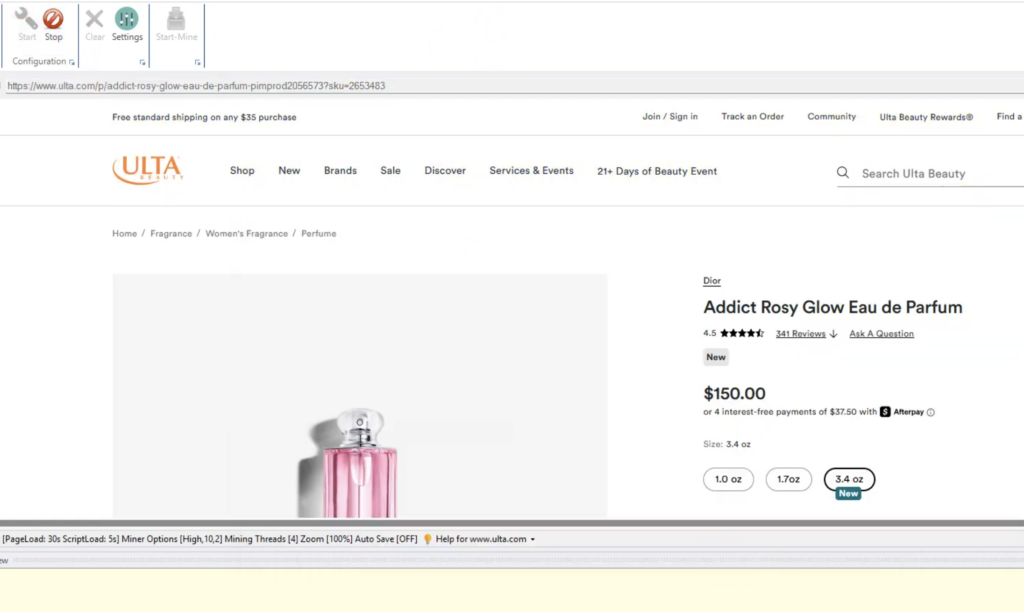
- Once you have loaded the page from which you wish to scrape data (product details page at ulta.com in this case), Start Configuration. WebHarvy will now allow you to select the data which you need to extract by simple mouse clicks.
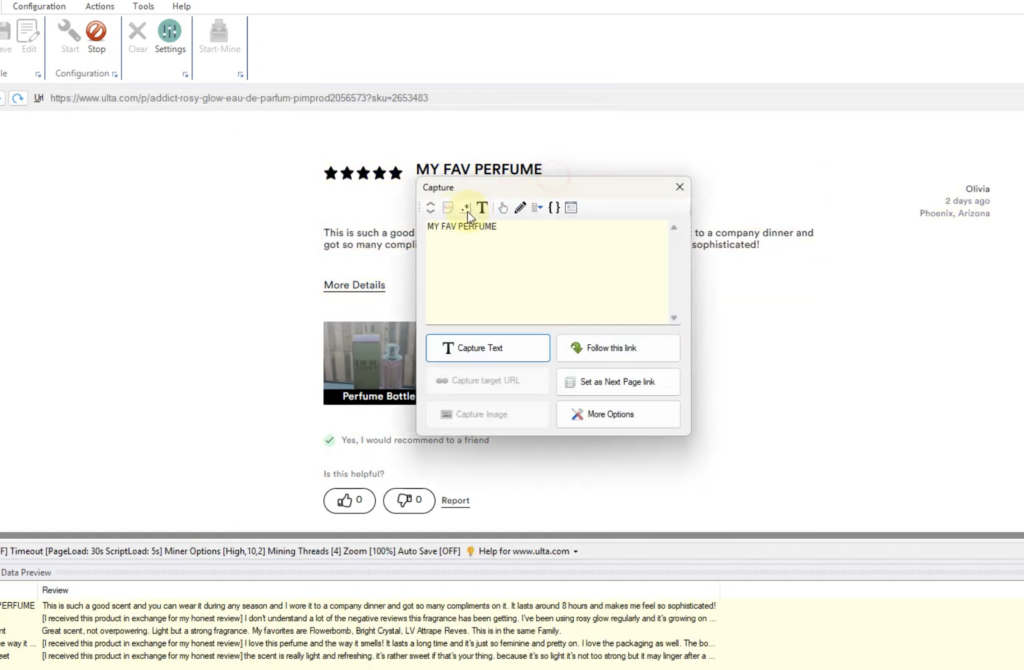
- In the case of Ulta.com website, the product reviews are displayed further down the page and we need to scroll the page to load them. For this, click anywhere on the page and select More Options > Run Script option. Paste and apply the following JavaScript code.
document.getElementsByClassName('ReviewStars__Content')[0].click();- Now you can just click and select details like review title and review content. The Capture Text option from the Capture window can be used to select the text of any item on page for extraction.
- To scrape the star rating, highlight and click on the title section which displays the star rating (graphically). Select the Capture HTML option from the resulting Capture window. Then apply the following regular expression string. Click the main ‘Capture HTML’ button to select the star rating value for extraction.
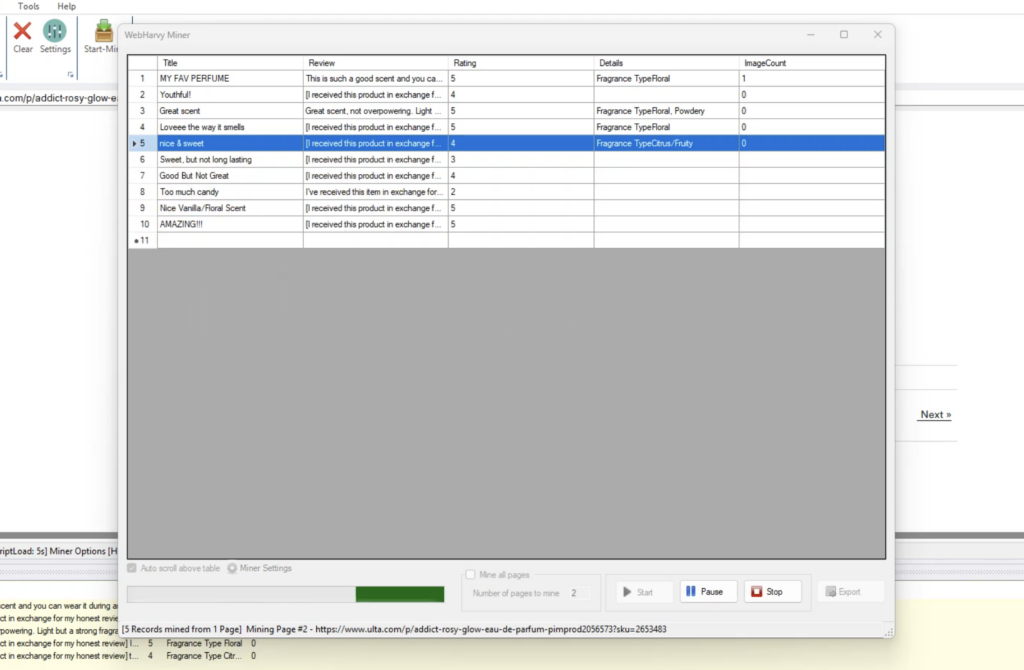
aria-label="Rated ([\d\.]+)- Once you have selected all required data, Stop Configuration and Start Mine
Video Demonstration
The following video shows in detail the steps which you need to follow to scrape product review data from ulta.com using WebHarvy. Note: The video also shows how to scrape the number of images which each review has, which was a specific requirement requested by a customer.
Need Help?
We recommend that you download and try the free trial version of WebHarvy. If you have any questions, please do not hesitate to contact our support team.